A few features might not be obvious at first glance, let me show you around
Type of stuff I share
Tracks
Albums
Playlists
Artists
DJ Mixes
Record labels
Sometimes they're embedded as components I've built, or iframes from around the web, sometimes it's just a link. I encourage you to interact with them, immerse yourself in the sound as you read.
Preview Tracks
Click on the album cover to get a 30 sec preview of the track.
Can click on it to pause, or click another album cover to preview that one.
There's also a play/pause button somewhere on the screen.

Track title is a link to the full track on the streaming service.
You can move around the site with a track preview playing. Your listening experience won't be interrupted
Playlists
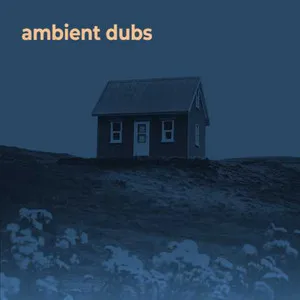
The idea is simple, preview track on the left, tracklist on the right.
Click on a track on the tracklist to load it to the player on the left.
Now you can preview that track as you normally would a single track, by clicking the album cover.
Built using the Single track component
Preview Album
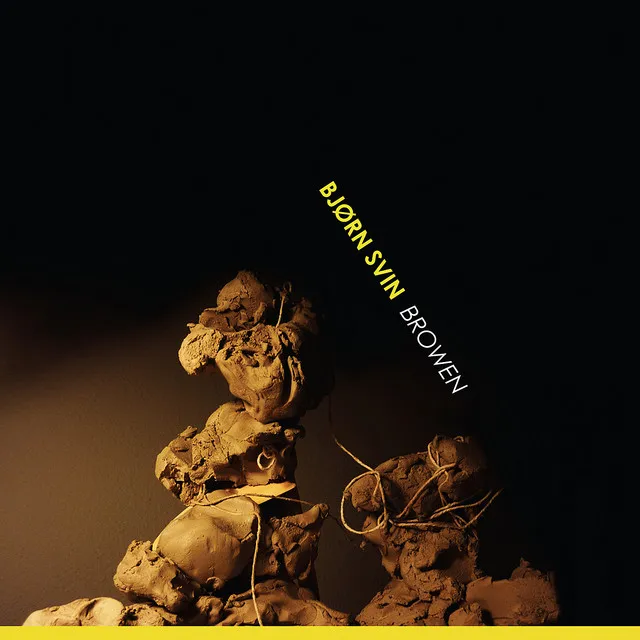
Preview audio will be a random track from the album
Planning to give this the same browsing experience as the playlist
Now playing
Scroll to the bottom of the site to see what I'm playing on spotify right now.
I also have a dedicated app for this
If you catch me listening to weird shit, it's for research of course ;)